Using Comma as a Judge
Scoring as a Judge
1Entering the Live Scoring
We recommend to the Judge to use their own phone for scoring.
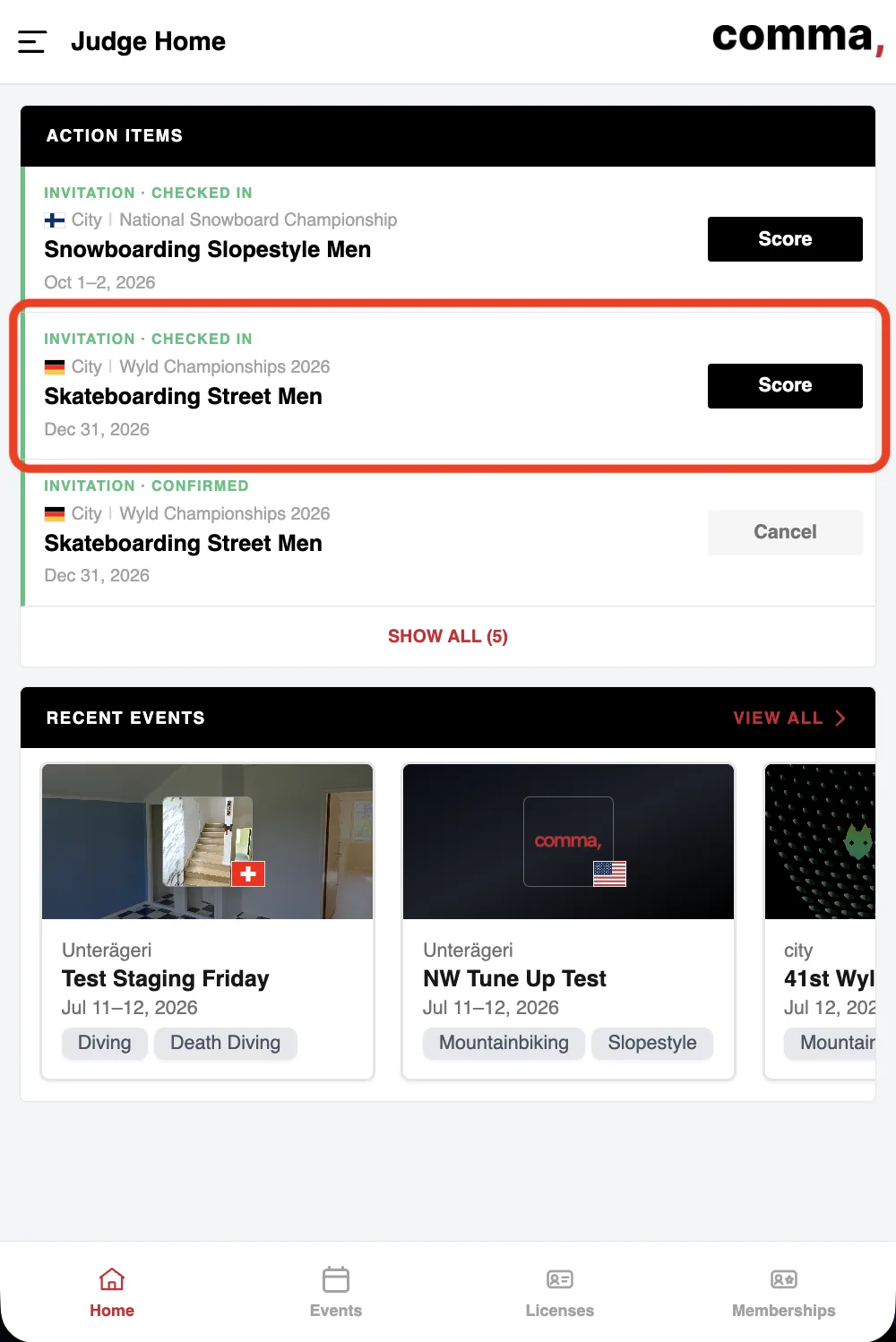
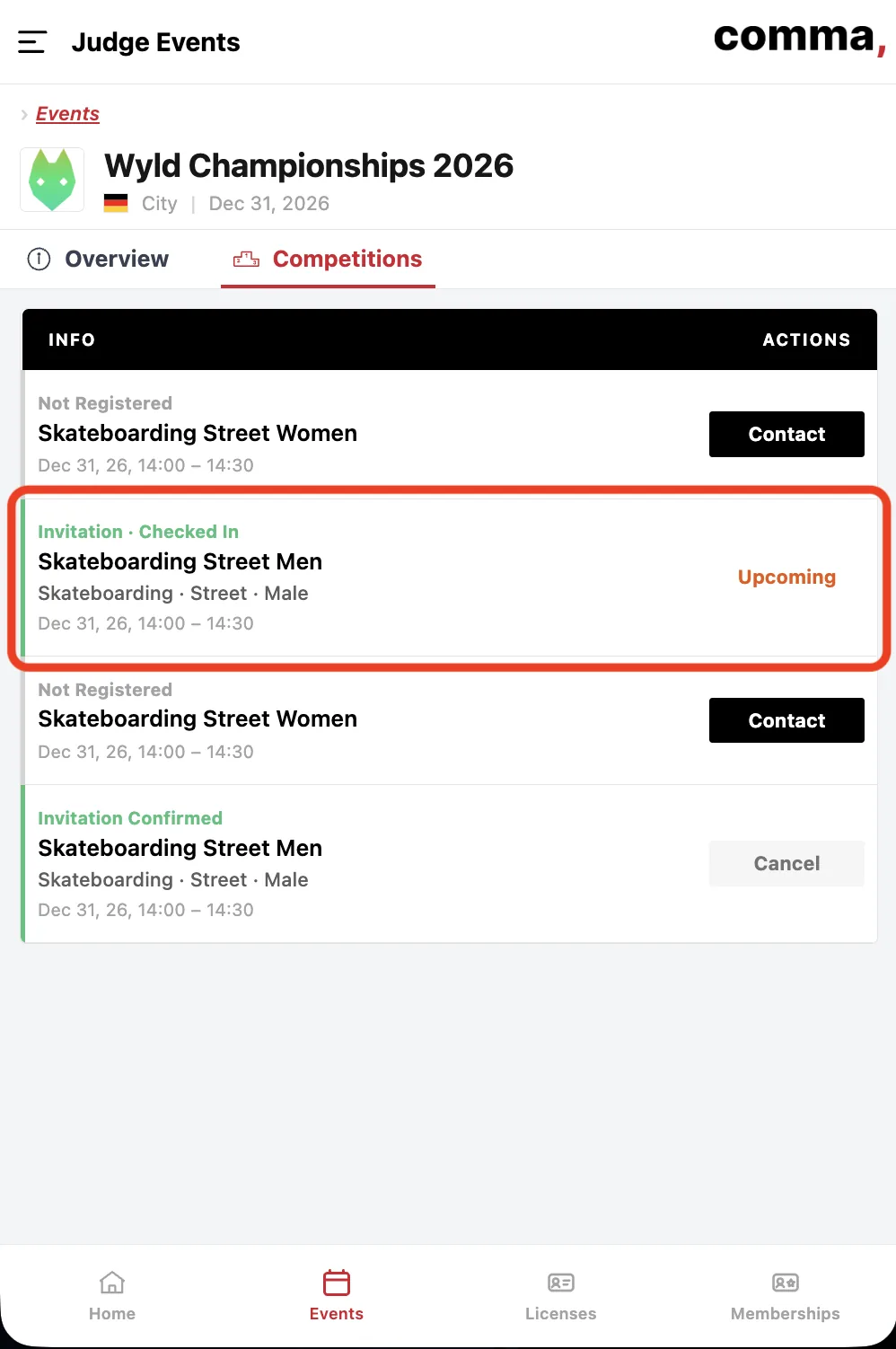
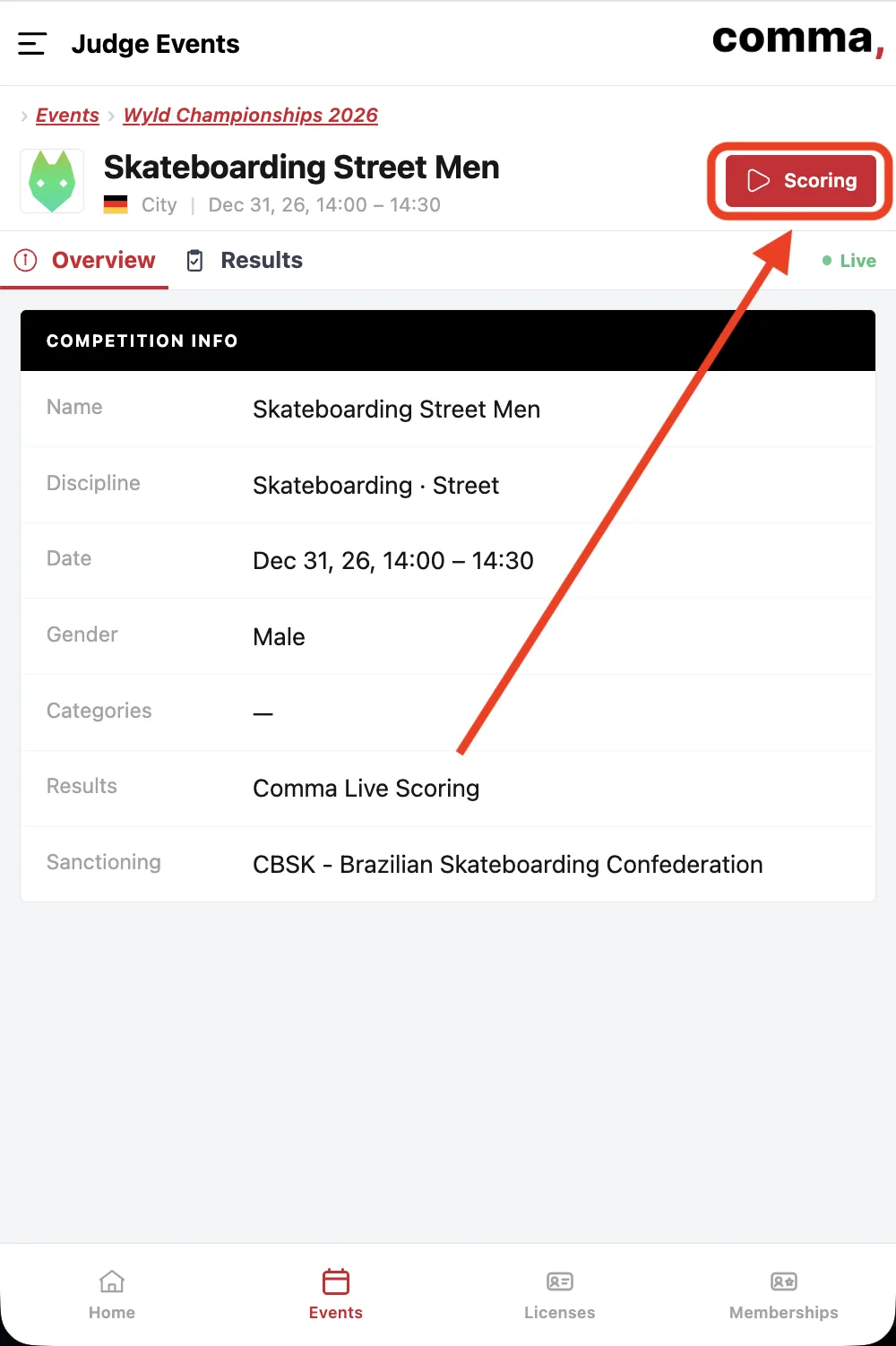
Go to commabase.com, login and select the competition within the event stop. Now click 'Enter Scoring' to access the live scoring screen.
2Entering Scores
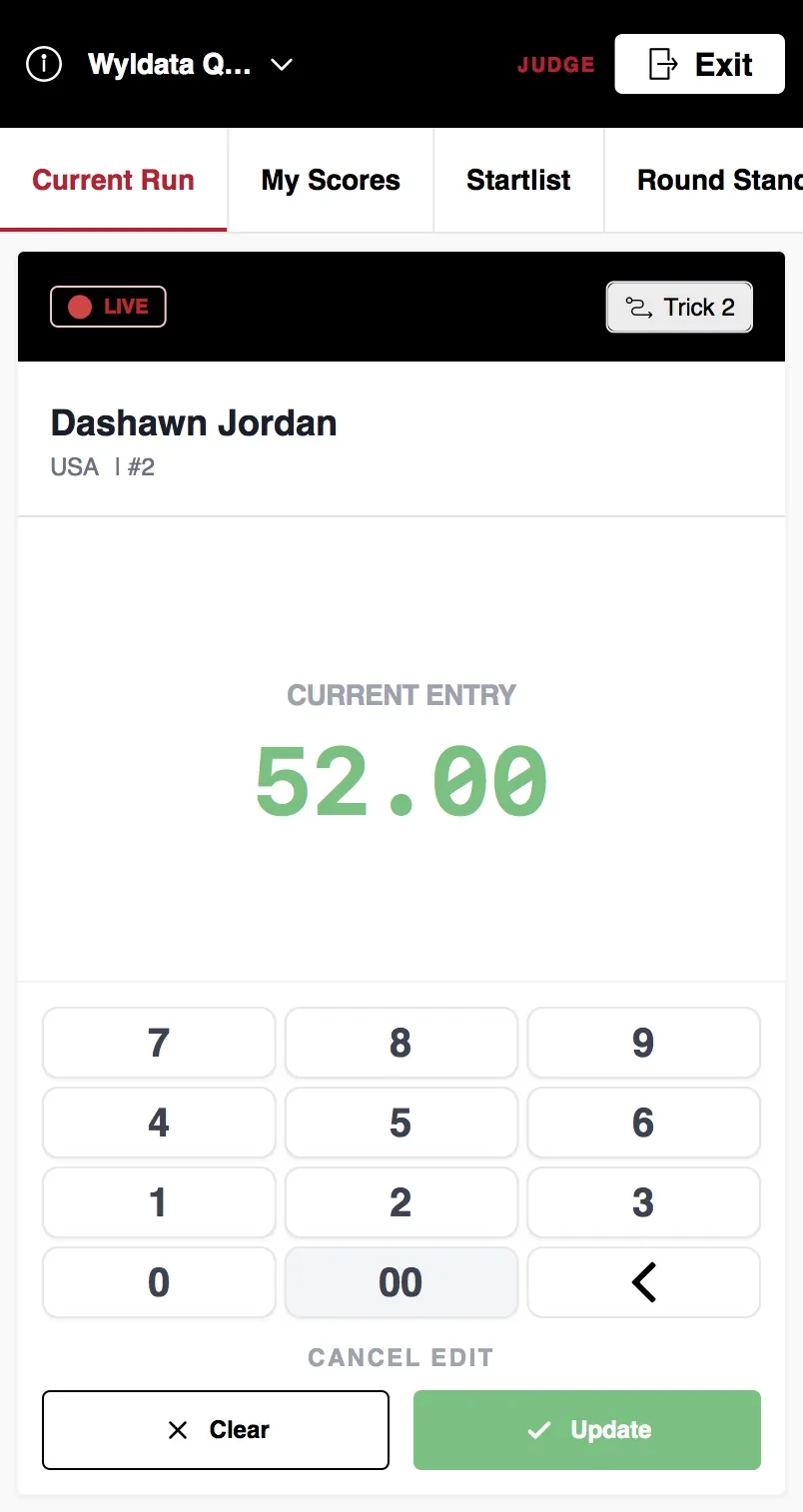
Simply use the number pad to enter your scores, once you are done hit submit scores to send them to the Head Judge. The Head Judge can edit, or reject your score.
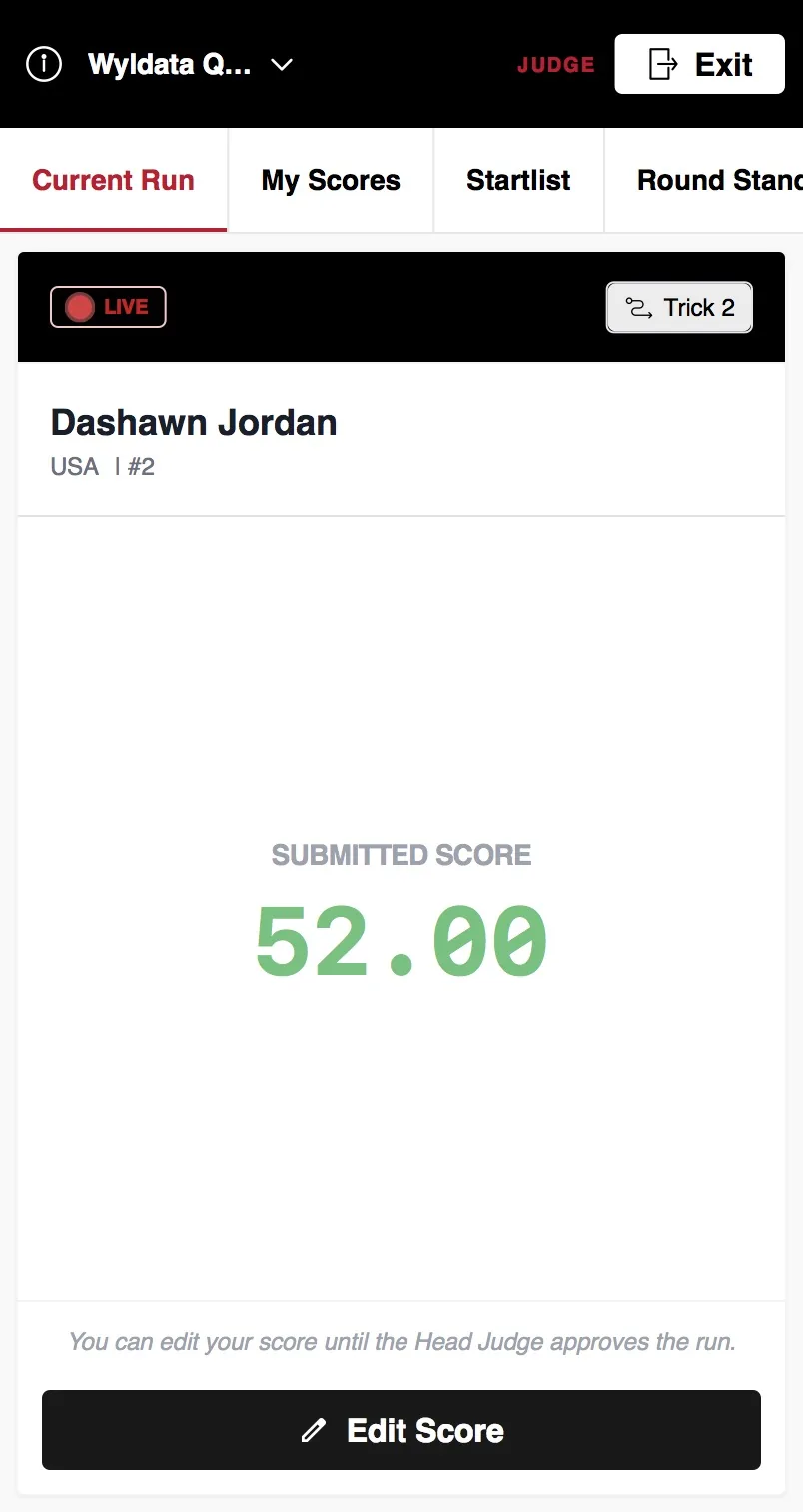
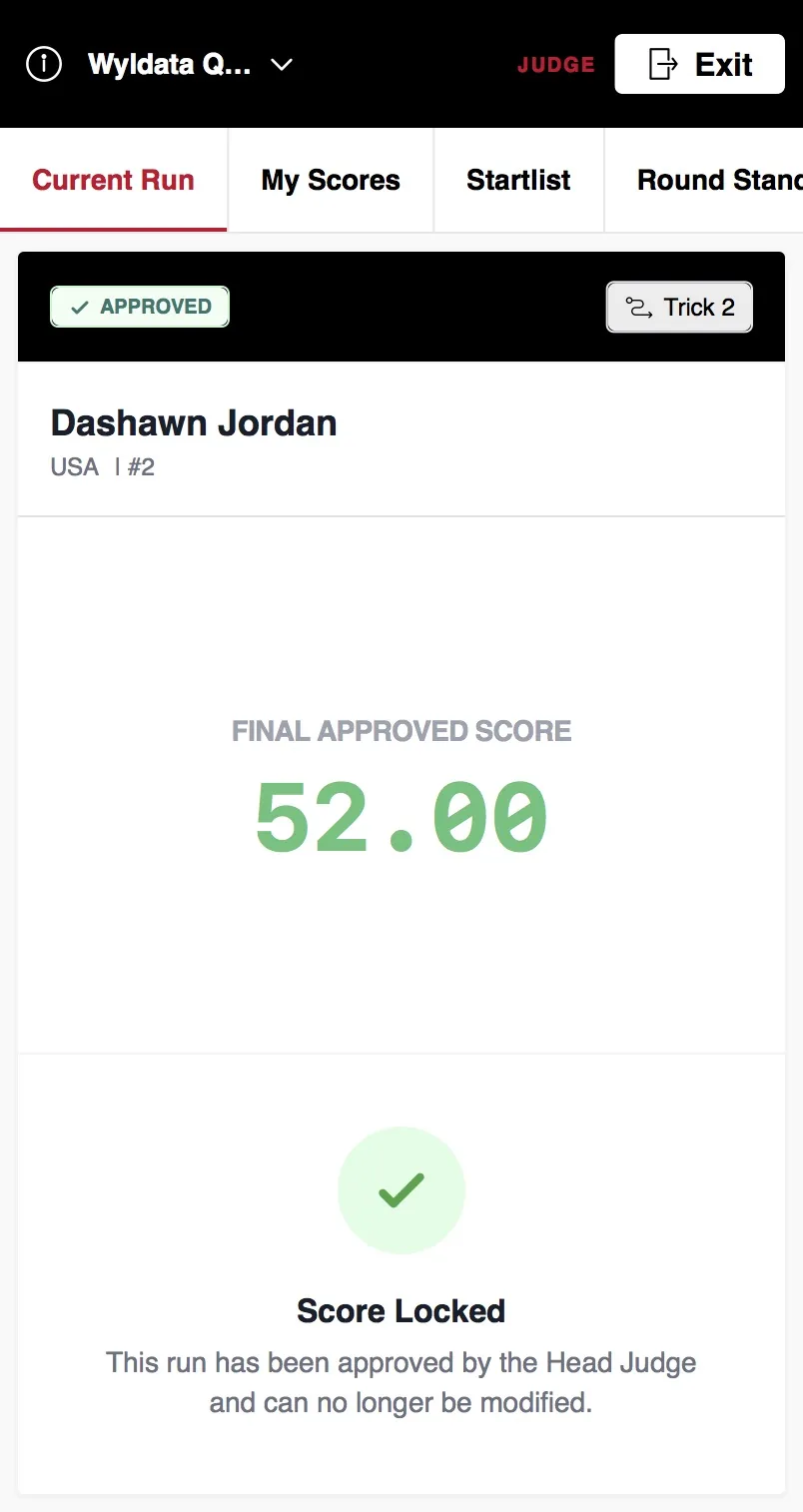
Until the head judge approved the score you can still make changes.
3Checking Scores
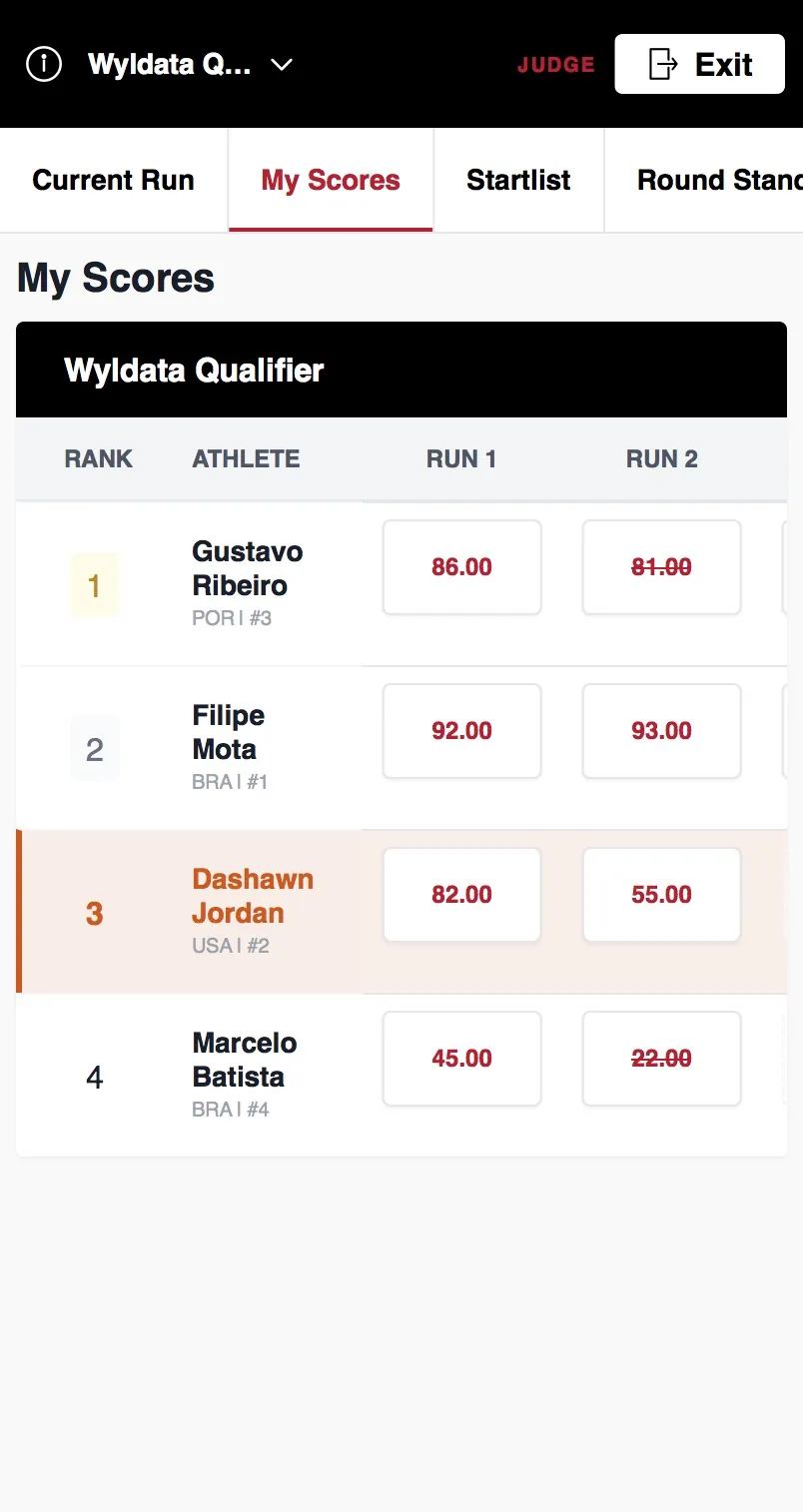
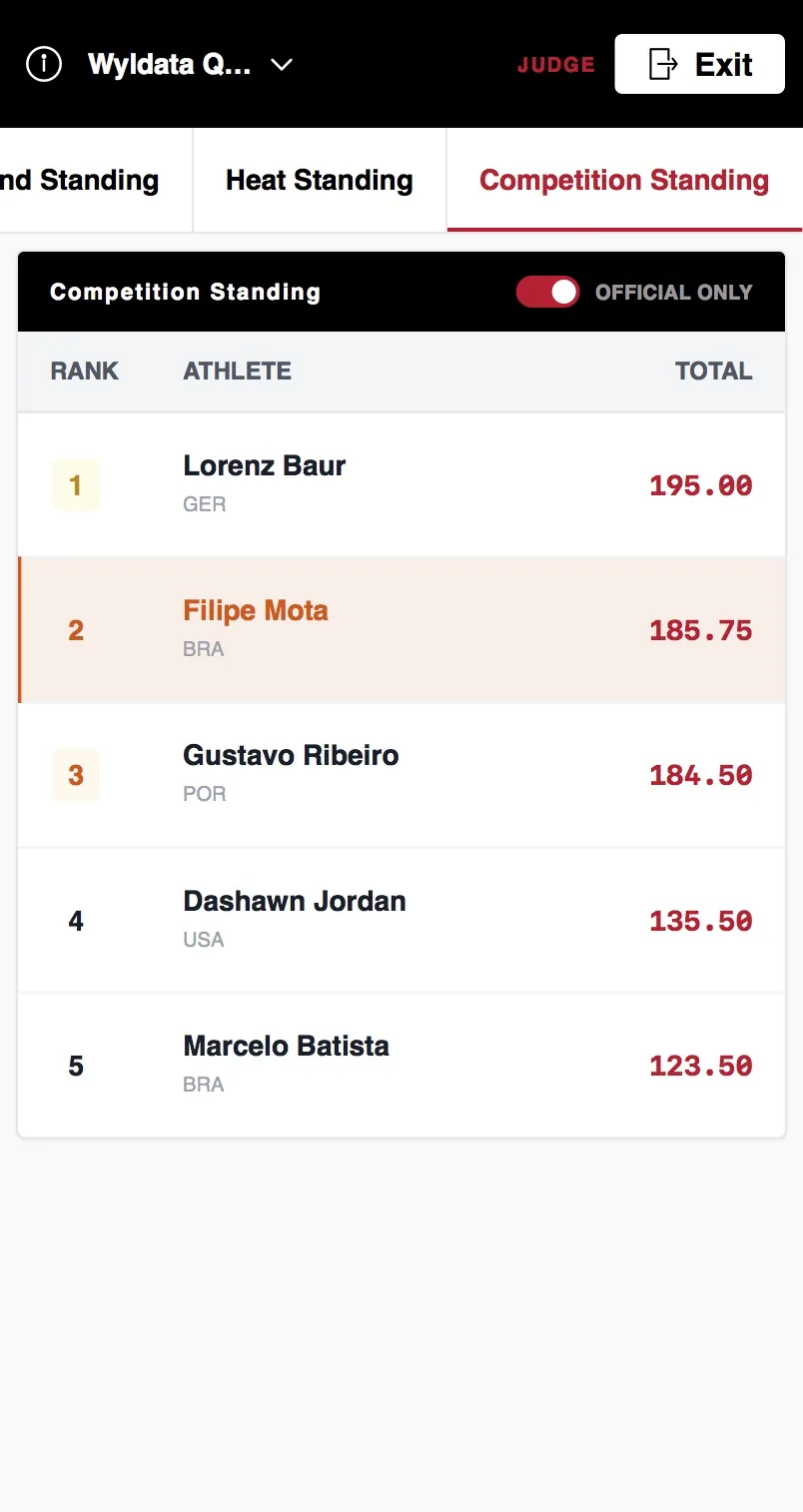
ℹ️ My Scores shows the result with only your scores
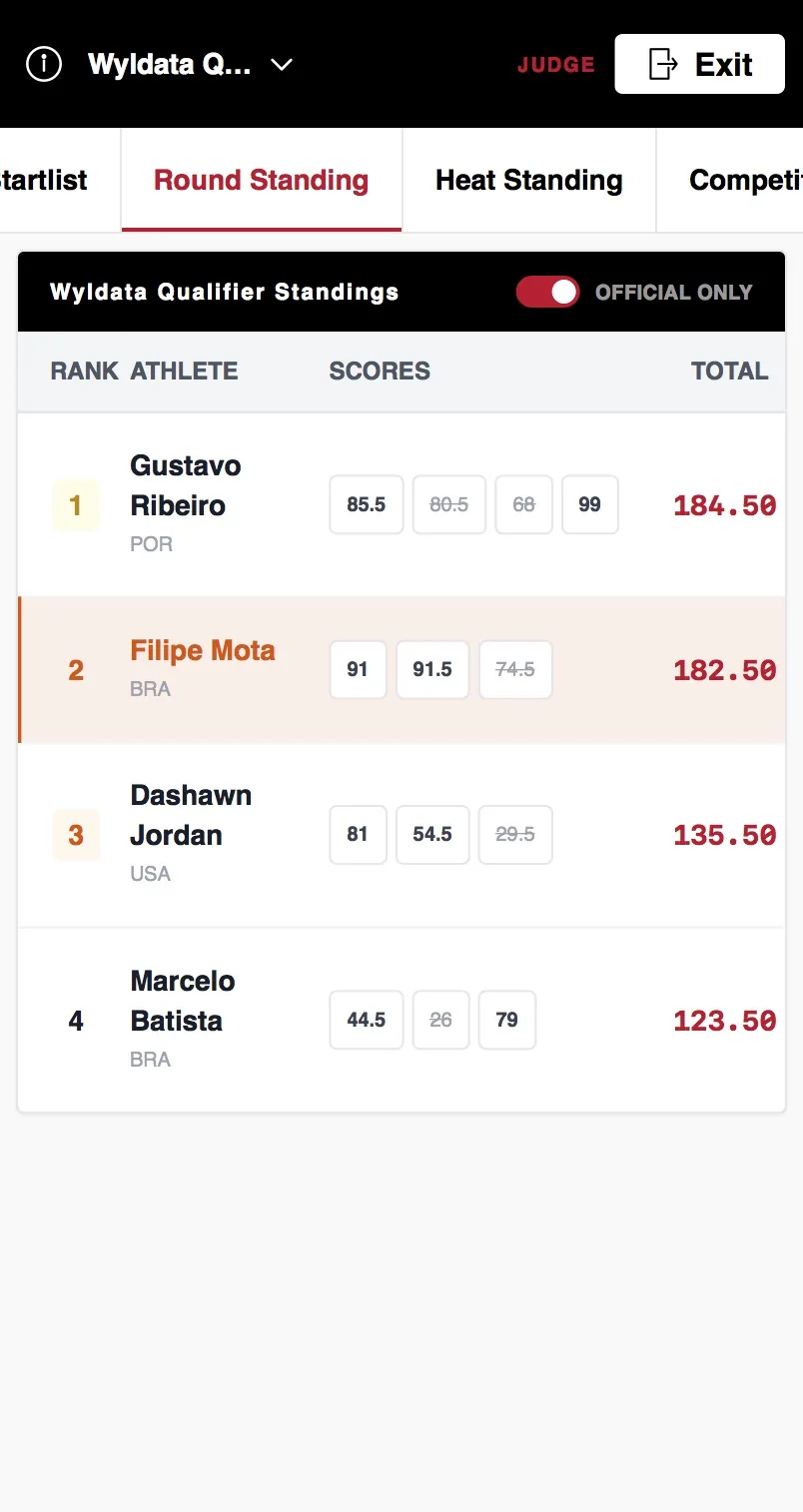
ℹ️ Round Standing shows the result for the current round with all judge scores taken into account
ℹ️ Competition Standing shows the scores for all rounds of the competition