Managing Staff
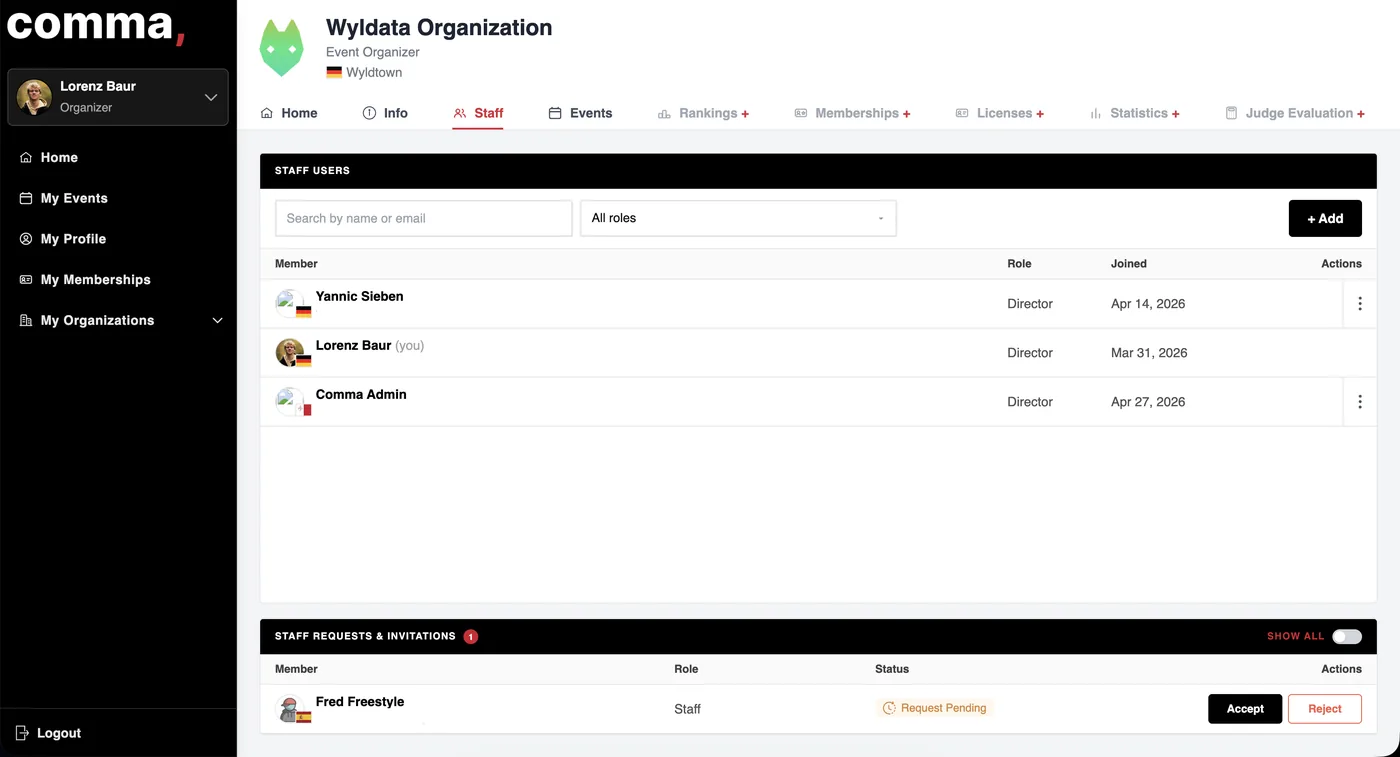
Your Staff needs to register on Commabase.com before you can invite them, via the '+ Add'-Button. They can also request to join your organization, during account creation, and you have to approve them, like Fred Freestyle here.
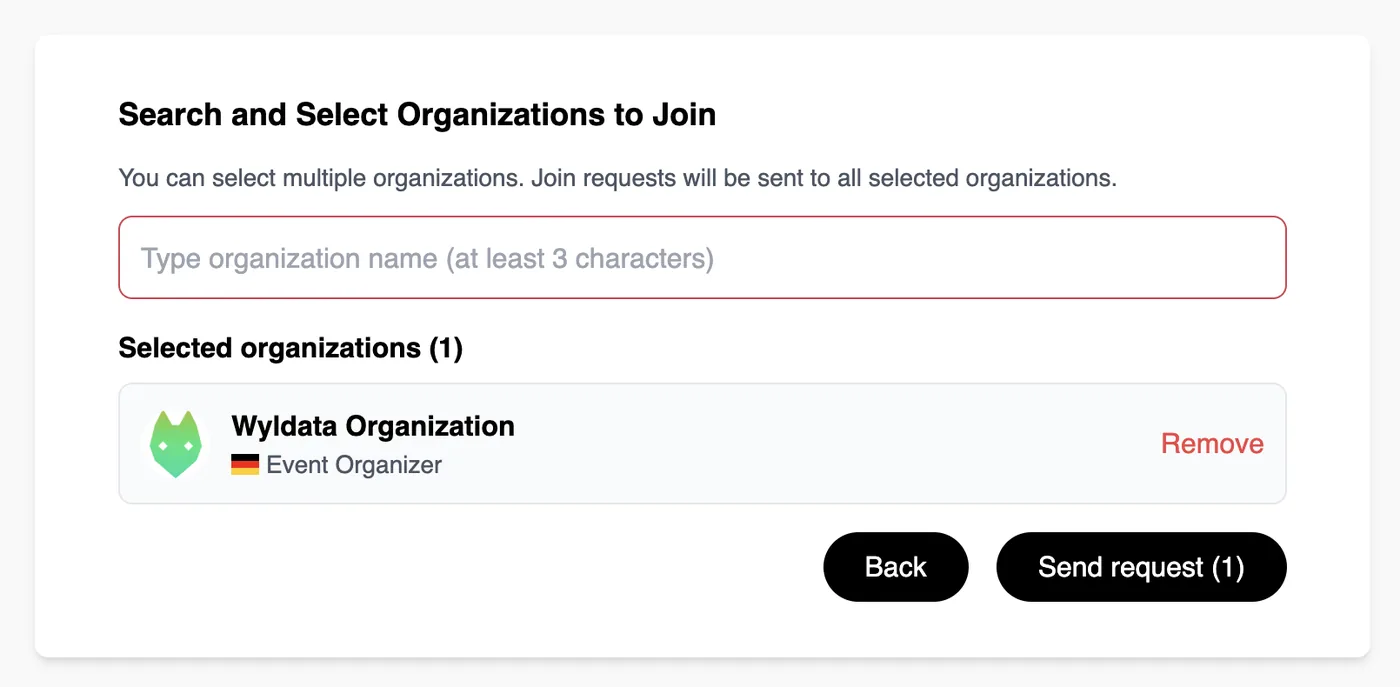
During your sign up you can already request to join up to three existing organizations. A director of that organization has to accept your request.
You will get an email once someone requested to join your organization.
In the Staff section you will now see a Pending Request. Reject or Accept that request.

Click the three dots next to a user so you can change their role within your organization.
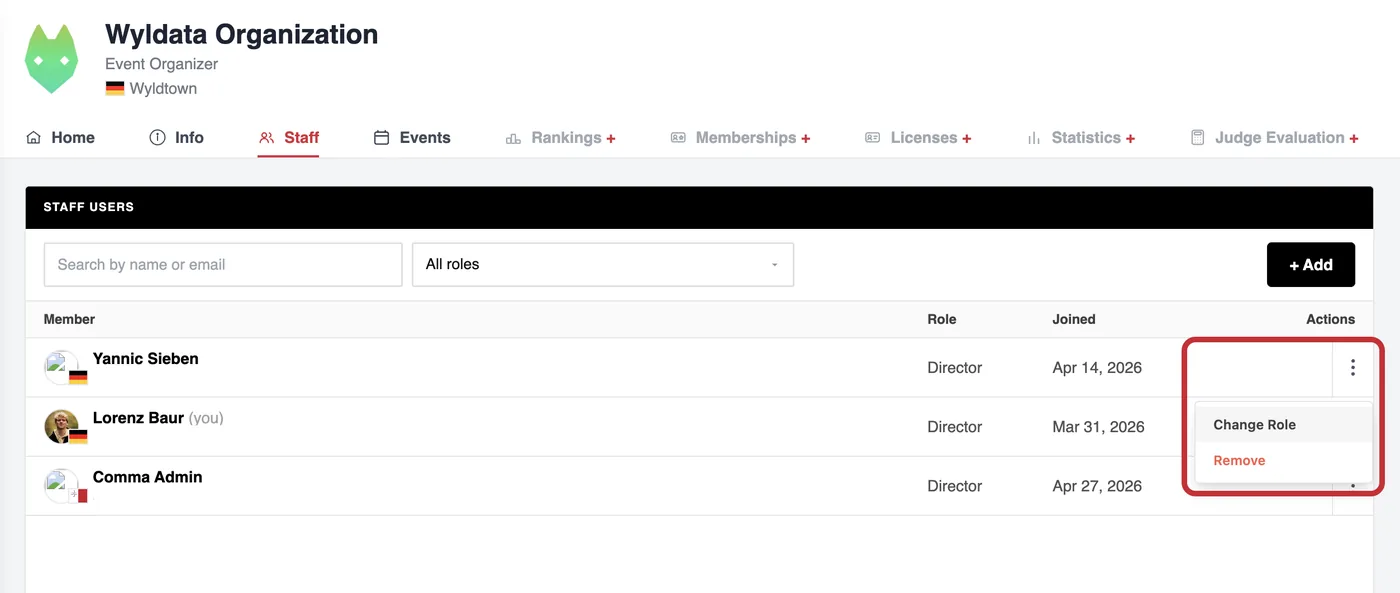
Director: Full control over the organization: user, roles, licenses, payments, events etc.
Staff: Default role when joining an organization. Can help with event setup and check-ins, view-only for most organization functions