Event Director
The Event Director should use a laptop for overseeing the competition, setting certain runs to active, editing judge scores and creating startlists for the rounds. The Event Director must always belong to the organization that created the event!
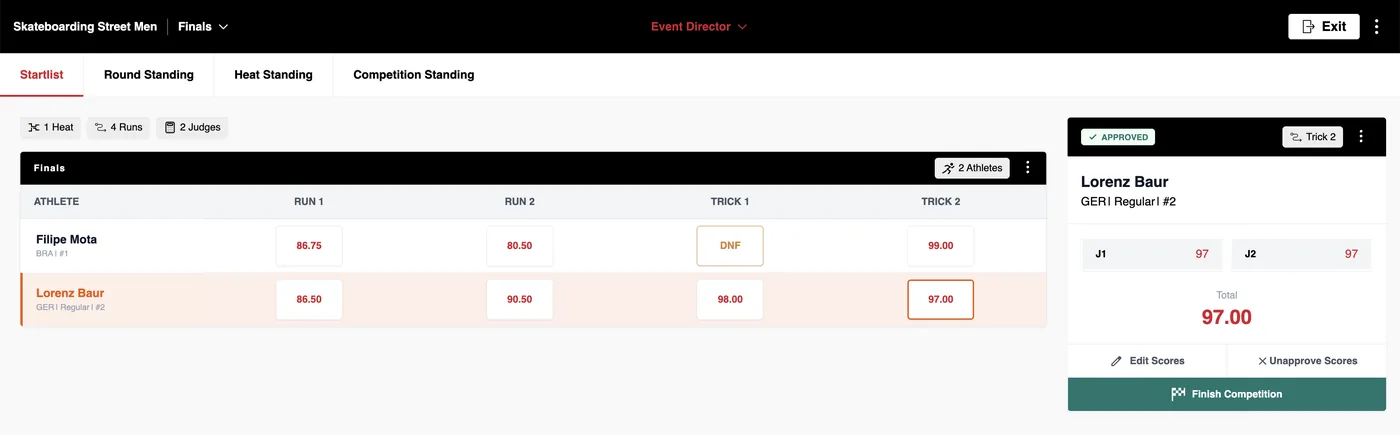
The event director is responsible for starting the event, and can start the next run (like the Head Judge). After you finished the Live Scoring Setup you can now click on 'Start Scoring'.
It is also possible for the Event Director to be a Head Judge and Judge simultaneously (laptop and mobile device recommended).
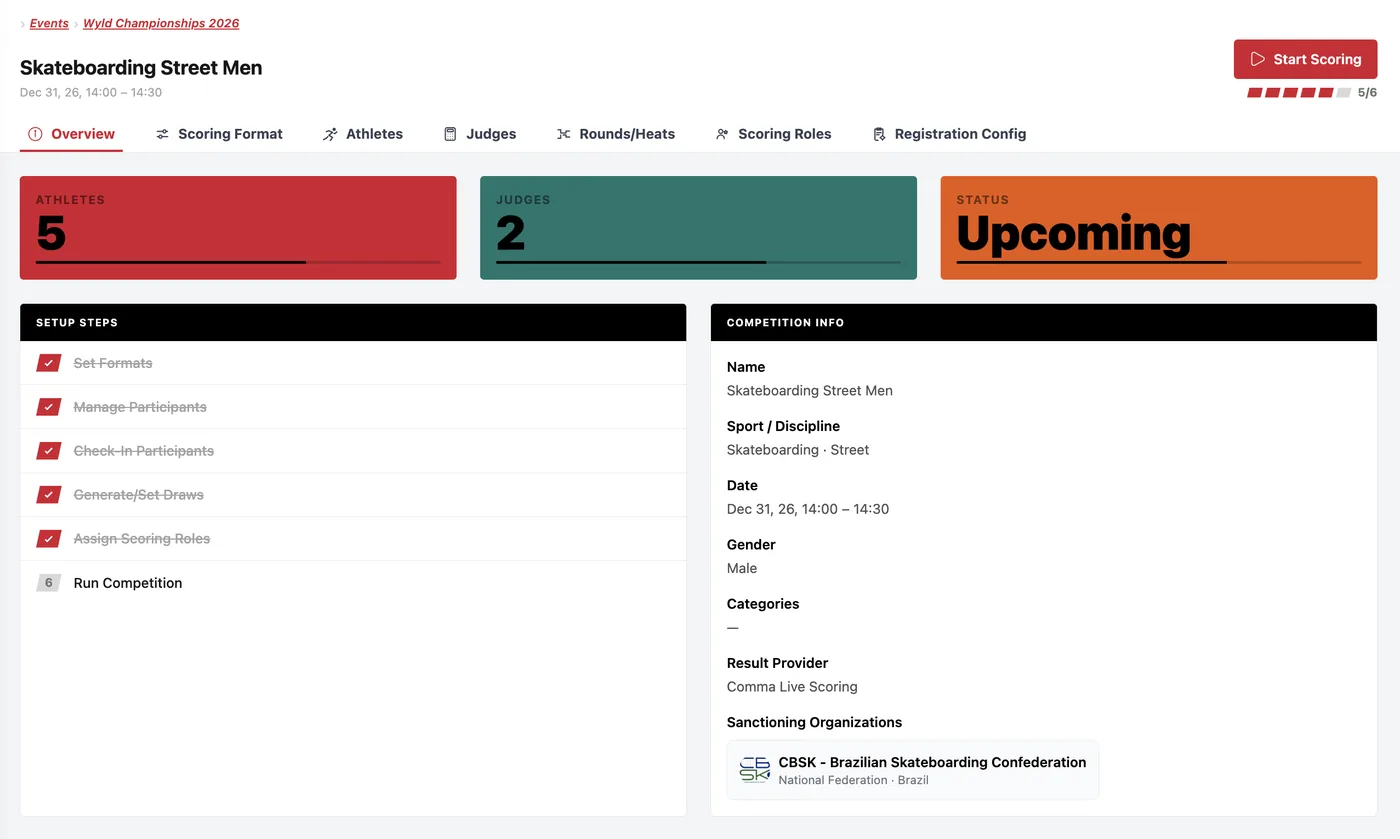
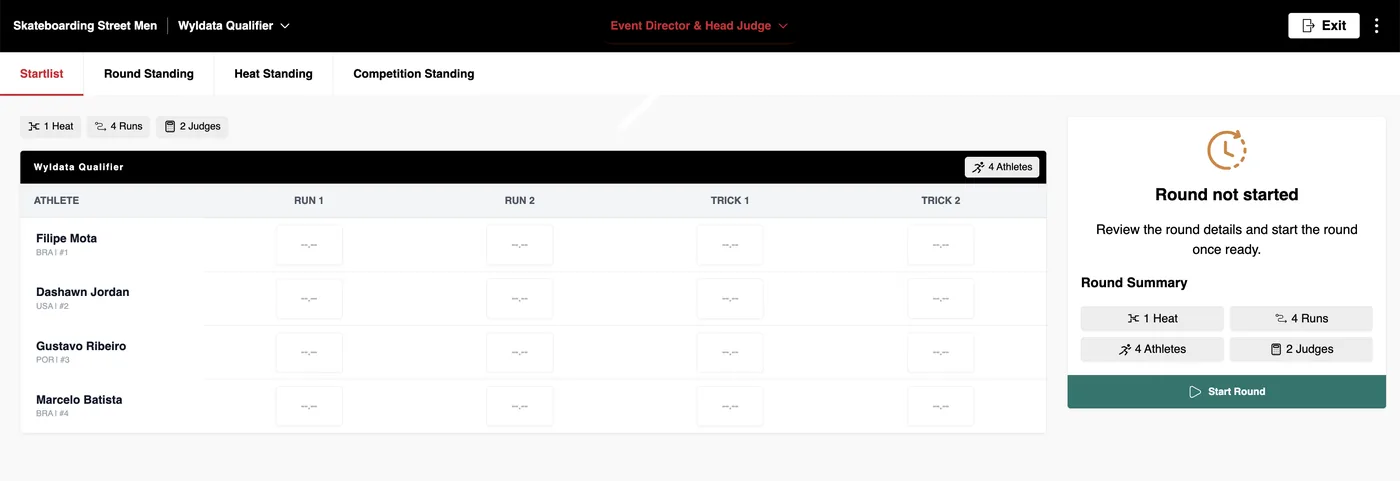
Now click Start round, once every judge and athlete is ready to start your competition!
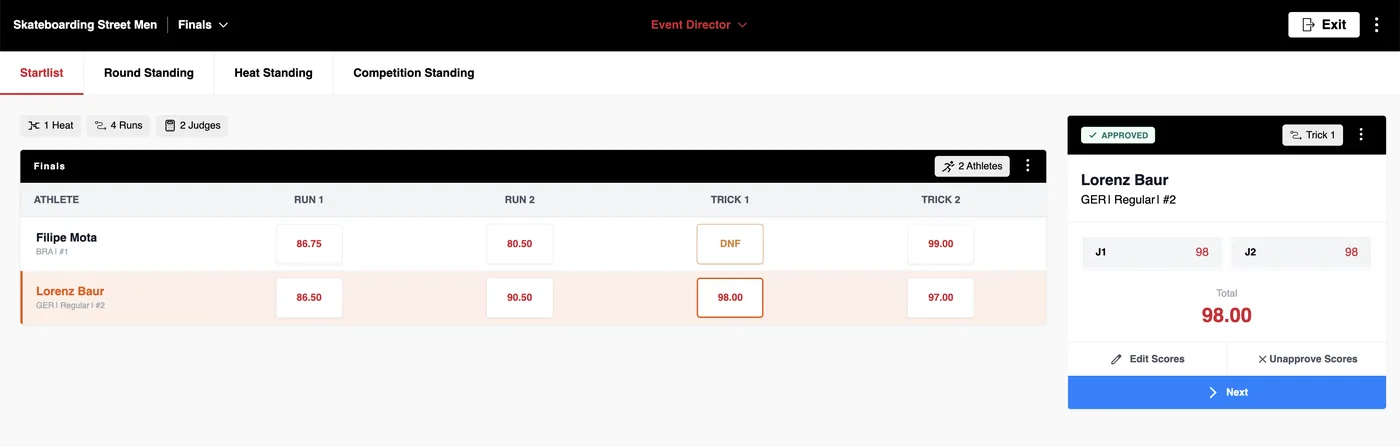
Once all scores are in, the head judge needs to approve/edit the scores. Afterwards you can either Edit the judge scores again or start the next run.
As Event Director you also have the right to Edit Scores (like the Head Judge!). However, the Head Judge has to Approve the scores until the Event Director can start the next run to be scored.
By clicking into any empty run score, this pop-up comes up which lets you select exactly this run as active, enabling the scoring for this run and athlete for the judges.
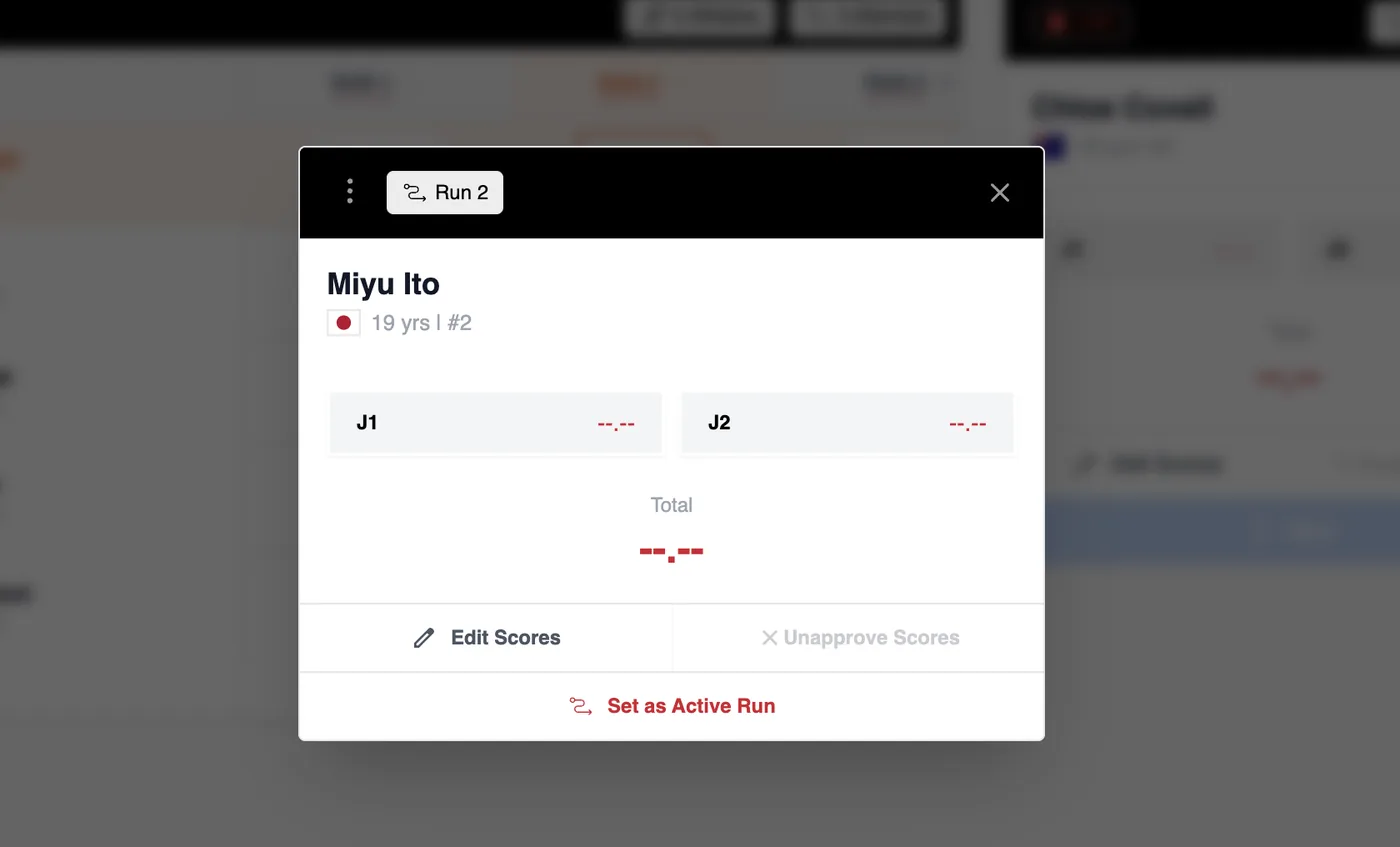
In any case you can go back to any round or run to edit a score until the competition is finished. 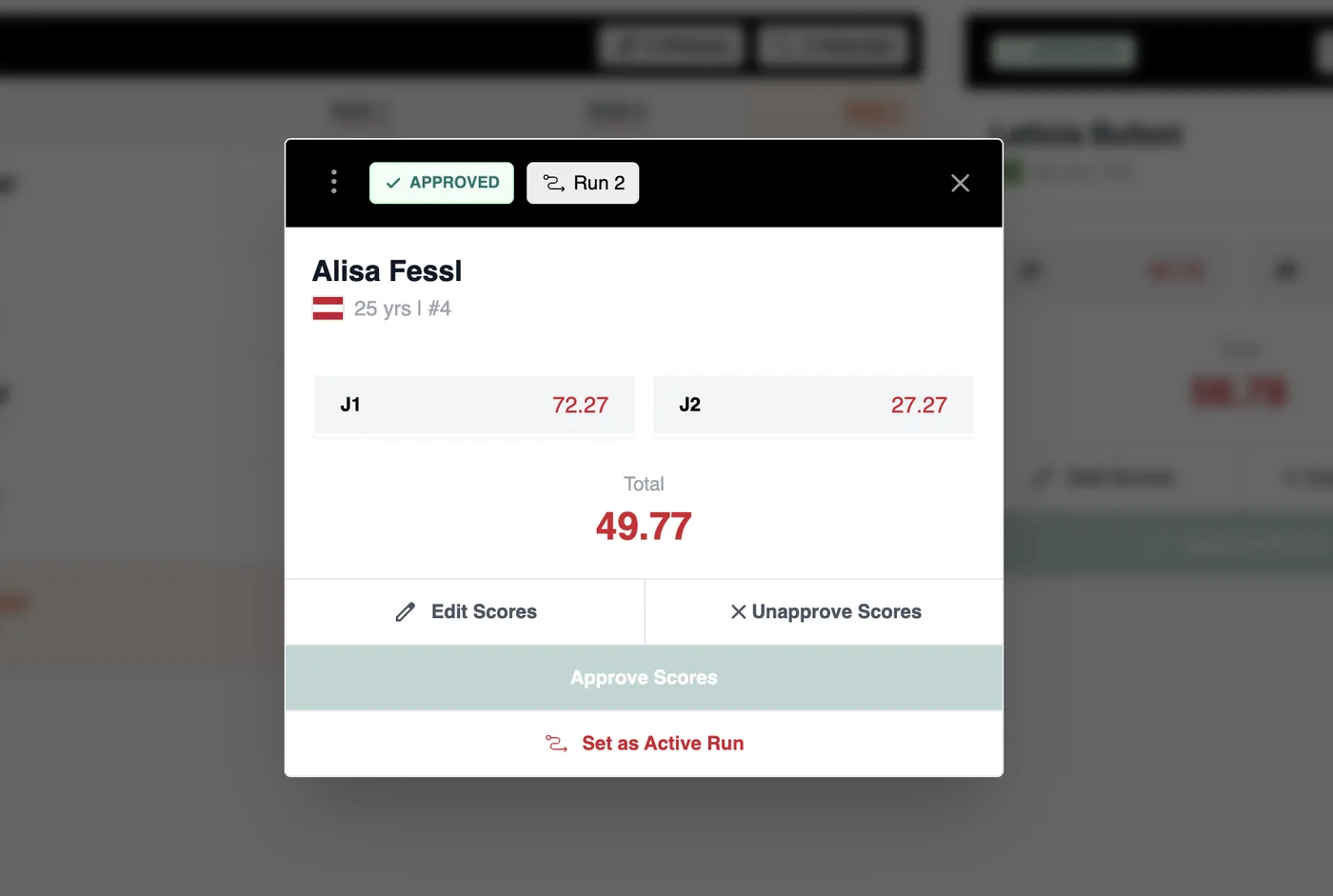
After the scores of the last run is locked in, you (Event Director) can click Finish Competition.